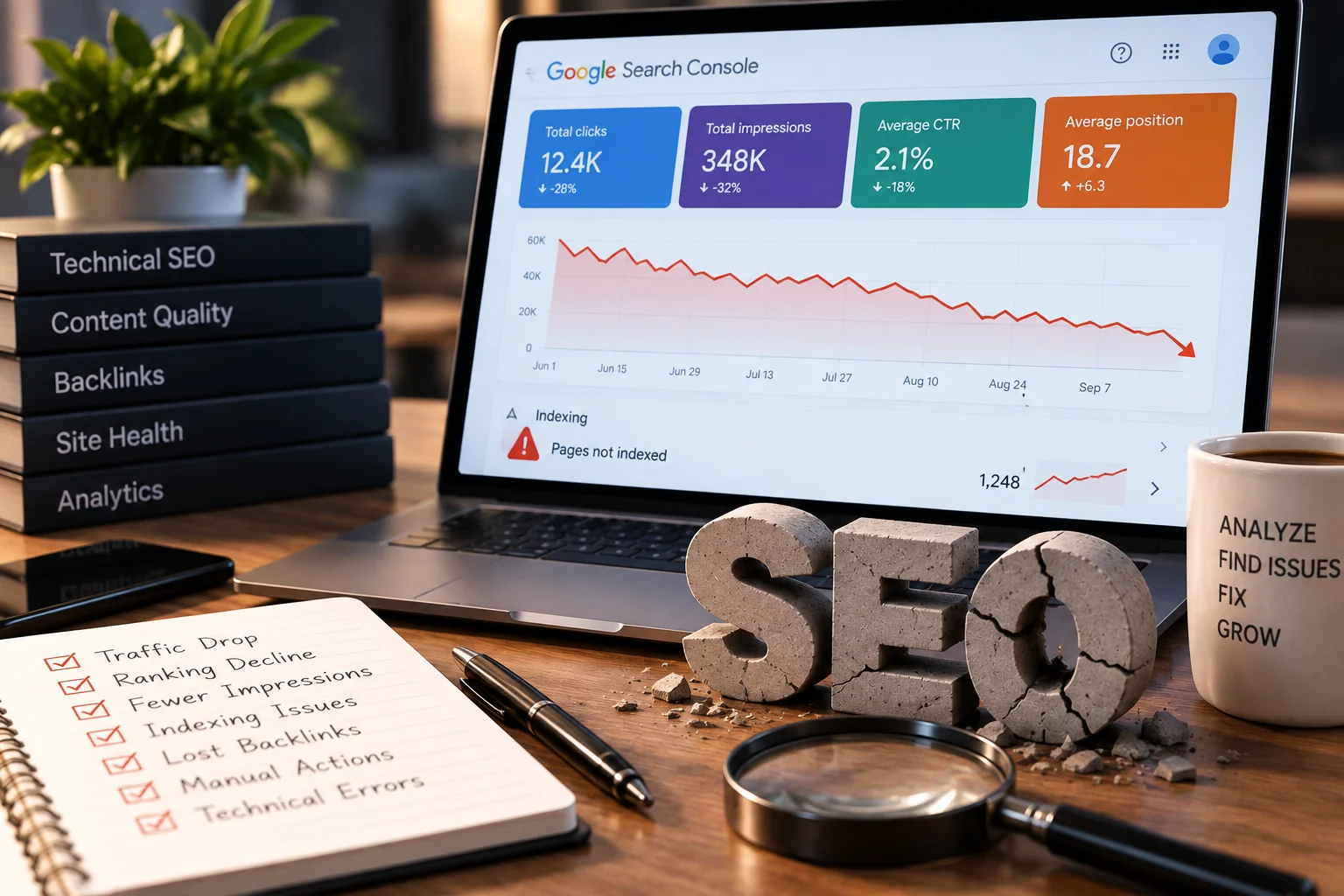
There's a version of this question that means did the money do anything, and there's a version that means is something still working against me. They're different problems and they need different answers. This is about the second one.
SEO that simply didn't work leaves a flat graph and a bad feeling. SEO that did damage leaves things in place that keep costing you after the invoices stop, and the owner usually has no idea, because the damage doesn't announce itself. It shows up as a practice that can't seem to get traction no matter who they hire next.
Five things to check. All five are visible from the outside, in an afternoon, with no tools you have to pay for.
One: links that were bought are still pointing at you
If part of the retainer was link building and the reports listed domains you didn't recognize, those links are still there. They didn't expire when the contract did.
How to check without buying a tool: open Search Console, go to the links report, and read the top linking sites list. You aren't looking at the number. You're looking for names. A county dental society, a local newspaper, a hospital, a supplier, a university, these are what a real profile looks like. A run of domains you have never heard of that all sound vaguely like magazines, or a cluster of sites in countries where you have no patients, is a different story.
What to do about it's usually less than people expect. Google's own documentation is discouraging about the disavow tool: most sites won't need it, its systems usually sort trustworthy links from the rest unaided, and incorrect use can damage performance. Check the manual actions report first. If it's clean, the honest answer is that the bought links are probably being ignored rather than actively punishing you, and the fix is to start earning real ones. If there's a manual action, that's a different and much more urgent conversation.
Two: pages written for a robot that no longer exists
Read your own service pages out loud. Not skim, read. The tell is the same phrase appearing at the start and end of several paragraphs, a city name inserted into sentences where nobody would speak it, and a page that says nothing specific in eight hundred words.
Then check for the older variant: forty near-identical pages, one per neighborhood, each a copy of the last with the place name swapped. That pattern was standard practice a decade ago and it now sits squarely inside what Google's spam policies describe.
This kind of damage is quietly the most expensive on the list, because it's the hardest to fix cheaply. You can't polish those pages. They have to be rewritten or removed and consolidated, and that's real work rather than a switch. On the other hand it's the kind of damage that responds well once it is done.
Want an outside read on whether your pages are working against each other?
Get your free auditThree: the accounts aren't yours
This is the one that costs the most and gets checked the least. Go through this list and, for each one, log in yourself right now rather than assuming.
- The domain registrar. Who is the registrant, and whose email receives the renewal notice. A domain registered to a former agency is a hostage situation waiting for a renewal date.
- The Google Business Profile. Are you the primary owner, or a manager on a profile someone else owns. Managers can be removed by the owner at any time.
- Search Console and Analytics. Whether you have your own verified property, or only see data because somebody shares a login.
- The hosting account and the DNS. These are often with the old agency's reseller and nobody notices until a site has to move in a hurry.
- The website itself. Whether you have an administrator account, and whether it's the only administrator account.
I have seen a practice discover mid-rebuild that the profile generating most of its calls was owned by a marketing company they fired two years earlier. Until the ownership is yours, every improvement sits on an asset somebody else can switch off, which is why this is first on the recovery list at the end rather than fifth.
Four: pages that were deleted and never redirected
Every redesign deletes pages. A good one sends the old addresses to the new equivalents. A bad one leaves a few hundred URLs returning a not found error, taking whatever authority and whatever links they had with them.
The evidence is sitting in Search Console under the pages report, in the not found section. If the list is long and full of URLs that look like real old service pages rather than junk, you're looking at the fallout of a migration nobody planned.
The other half of the same check: has the site changed address at some point, and does the old address still resolve. An old domain that still loads its own copy of the site is competing with you, and it's more common than it should be after a practice renames or merges.
This is repairable and the repair is usually quick. It's also the item most likely to produce a visible recovery, because you're reconnecting authority that already exists rather than building new authority from nothing.
Five: structured data that describes a different practice
Schema is invisible, which is why it rots. I regularly find markup stating an address the practice left years ago, a phone number that now belongs to a call tracking contract that ended, review counts hardcoded by a plugin that hasn't run since 2022, or a specialty the practice no longer offers.
It matters more than it used to. Structured data that contradicts the visible page gives an engine two different answers about you, and the machine reading it has no way to know which one is stale. When your page, your markup and your profile disagree, the safest thing an engine can do is describe you vaguely or name someone else.
To check it, view the page source and search for the markup block, or run the page through Google's rich results test. You're reading it as a person: does every fact in there match reality today.
What isn't damage
Worth saying plainly, because worry is expensive too. A traffic drop in the summer at a practice that always drops in the summer isn't damage. A rankings report from a third-party tool showing different numbers than Search Console is not damage, they measure different things. A drop that lines up exactly with a known algorithm update isn't necessarily damage either, though it's a reason to look harder.
And slow progress isn't damage. Six months of work with modest movement is often just what the work looks like, which is worth being realistic about before you conclude that something went wrong. The distinction that matters is whether something is actively working against you, not whether you're disappointed.
The recovery list, in this order
If you found real problems, the sequence matters more than the speed.
First, take ownership of everything. Domain, profile, hosting, Search Console, Analytics, the website itself. Change the credentials. Do this before you fix a single page, because until it's done you're improving an asset somebody else can take.
Second, restore what's broken and free. Redirect the dead URLs, correct the stale schema, retire the old domain properly. These are cheap and they reconnect value that already exists.
Third, deal with the content. Consolidate the duplicated location pages, rewrite the stuffed ones, and accept that this is the slow part.
Fourth, and only fourth, worry about the links, because bought links are rarely the active problem people assume they're, and the disavow tool is the item on this list most likely to make things worse in inexperienced hands.
One last thing. Before you hire the next agency, ask them to explain what they found in this order, and ask who will own the accounts. An agency that wants to hold your domain or your profile is telling you what the end of the relationship will look like. It's the same question as how to choose one in the first place, asked by someone who has already been burned once.
A free audit runs all five of these checks from the outside, which is the point: I don't need your logins to see the links, the stuffed pages, the not found errors or the contradictory schema. You get the list of what's actually broken, separated from what's merely disappointing, inside 24 to 48 hours and at no cost. If nothing is broken, that's a useful answer too, and it's the one I give most often.
Want to know whether the last agency left damage or just left?
Get your free audit
Founder of Proximity Ranker, with nine years in SEO and a law background that shapes the medical and legal work we do. Meet the founder.