
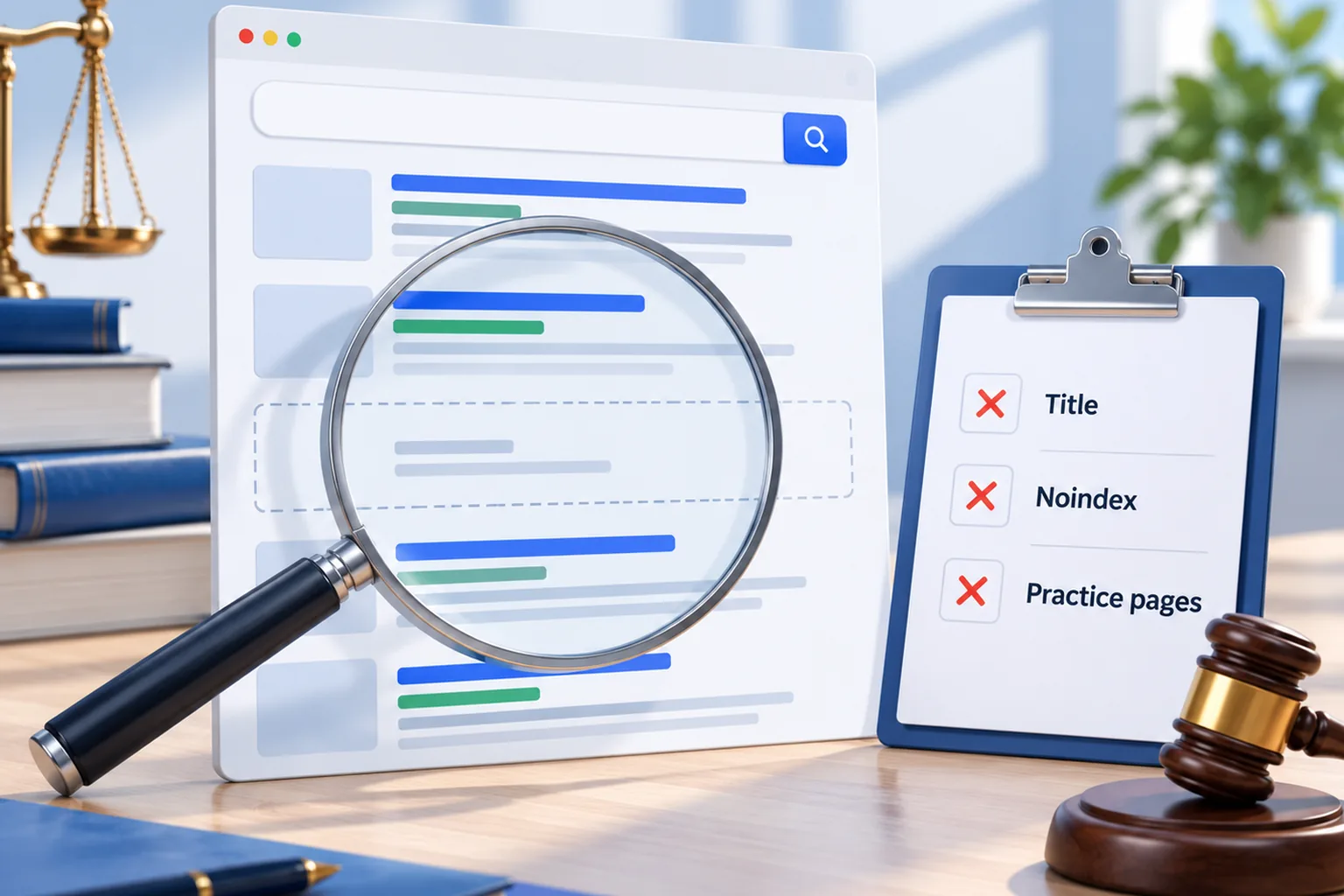
Short answer: usually because Google either can't index the site or can't tell what each page is for. The first is a technical block, like a noindex tag or a broken sitemap, and it can keep a whole site out of Google. The second is far more common: the pages are in Google, but blank titles, missing headings and no dedicated practice pages give Google nothing to match against a search. Both are fixable, and you can find out which one you have in about ten minutes with Google Search Console.
I'm Ashikur Rahman, founder of Proximity Ranker. I work only with law firms, I hold an LL.B and an LL.M, and I've done SEO since 2017, including as former SEO Manager at Doctor Rank. One client site I worked on earned 23,300 clicks and 3.55 million impressions from Google in six months. Between October 12 and 22, 2026, I audited more than two dozen law firm websites while reaching out to firm owners, and everything below comes from what I found. I don't name any firm. This is about search, not law, so nothing here is legal advice.
How do you check whether Google has your site at all?
Start with the free tools Google gives you. They tell you which problem you have before you spend anything.
- Search Google for site:yourfirm.com. If nothing comes back, Google has no pages from your site. If only a few come back, it's missing most of them.
- Open Google Search Console (set it up if you haven't; it's free). The Pages report under Indexing lists every page Google knows about and why any were left out.
- Paste your homepage address into the URL Inspection tool at the top of Search Console. It says whether the page is indexed and whether anything blocks it.
- Search your firm's exact name. If your website doesn't come up first for your own name, something basic is wrong.
If your pages are indexed, the problem is ranking, and the later sections apply. If they aren't, read the next section first, because nothing else matters until that's fixed.
Is something on your site telling Google to stay away?
This is the rarest cause and the most damaging, and I found it more than once. One firm's homepage carried a noindex tag, an instruction that tells Google not to show the page at all. It's often left switched on after a site is built, because many builders and WordPress itself have a setting that hides a site while it's under construction. Nobody turns it off, and the site launches invisible.
A second firm's sitemap, the file that lists your pages for Google, contained 2,179 addresses, and every one of them redirected somewhere else. A sitemap like that points Google at addresses that aren't the real pages. A third firm's site was showing WordPress's "critical error" message on every page the day I checked it. I've written separately about why PHP updates break WordPress sites.
Are the wrong pages in Google's index?
Sometimes Google indexes plenty of pages, just not the ones that bring in clients. Here's what I counted on real firm sites.
- A page named landing-page-test that Google could index, sitting alongside the real pages.
- A test page listed in the firm's own sitemap, so the firm was actively asking Google to index it.
- An About page whose address held a form thank-you message instead of anything about the firm.
- 262 attachment pages in one sitemap. WordPress creates a separate page for every uploaded image, and those pages have no real content.
- A location page whose browser tab named one city while the heading and every subheading named another.
None of these blocks a whole site, but each one wastes Google's attention and makes the firm look careless to anyone who lands there. Fixing them is quick: remove or noindex the junk, clean the sitemap, and make sure every page that matters has one clear job.
Can Google tell what each of your pages is about?
This was the most common problem by far. The pages were in Google, but the signals that tell Google what a page covers were missing or repeated. Google reads the page title (the line that shows in the browser tab and usually in search results) and the main heading first.
- One firm had left the page title blank on all seven of its pages, so Google made one up from the firm's name for every page.
- Another site used two page titles across eight pages, so Google saw eight pages that all claimed to be the same thing.
- On one site, 32 of 45 pages had no main heading. On another, the practice pages had no main heading at all.
- One homepage had sixteen main headings, created by a results slider, so nothing on the page stood out as its subject.
- One site had no meta description on 43 of its 45 pages. That isn't a ranking factor, but it means Google writes the snippet searchers see.
These fixes are cheap, and they make a real difference. A practice page titled with the phrase clients actually search, such as "Truck Accident Lawyer in [your city]", with one matching main heading, gives Google something specific to rank. A page titled "Home" or nothing at all gives it nothing.
Want a list like this for your own site, with every fix in order?
Get the auditDoes your site have a page for each case you want?
Google ranks pages, not firms. If someone searches for a dog bite lawyer and your site has no page about dog bite cases, Google has nothing of yours to show, however good your firm is. Several sites I checked had this problem in its plainest form.
- A personal injury firm whose whole website was one page of 167 words, with every homepage button leading to a page that didn't exist.
- A nine-page site with no practice area pages at all.
- A firm that listed its practice areas as short sections on the homepage instead of giving each one a page.
- A firm with 1,764 town pages but no page for any practice area and no About page.
Each case type a firm wants more of needs its own page: what the problem is, how the firm handles it, what it costs to talk, who the lawyer is, and the questions clients ask. That's also what AI answers pull from, so the same pages serve ChatGPT and Google's AI Overviews. My guide on what makes a good law firm website covers how those pages should be built.
Can thousands of near-identical town pages hold a site back?
Yes, and it's an old tactic that keeps getting sold. One firm had 2,755 town pages, and when I compared them, they were about 93% identical, with only the town name swapped. Google's spam policies name this directly: pages made at scale to rank for slightly different searches, with little unique value, count as doorway pages and scaled content abuse. At best, Google ignores most of them. At worst, they pull down how Google judges the whole site.
A firm that genuinely serves several towns is better off with a page for each real office, a strong page for each practice area, and a Google Business Profile for each office location that's real. That shows Google where you are without pretending you have an office in every town on the map.
Why can your website rank while your firm is missing from the map?
Because the map pack, the three businesses Google shows with a map, ranks Google Business Profiles, not websites. Google says local results depend on relevance, distance and prominence. Your website helps with prominence, but the profile itself has to be right: the primary category, the services listed, the reviews and the details matching your site.
One firm I checked had a near-perfect rating but its primary category was the generic "Legal services", not the practice it actually handles, so Google had little reason to show it for those searches. Another had strong reviews, but many of them described the firm's older practice area rather than the cases it wants now. The website can be perfect and the firm still won't appear in the map until the profile tells the same story. My guide to Google Business Profile for law firms goes through the fields that matter.
What should a law firm fix first?
Fix in order of damage. Anything that blocks indexing comes first, because nothing else can work until Google can see the site: noindex tags, a broken sitemap, a site that's down. Then give every page a real title and one main heading. Then build a page for each practice area you want cases from. Then clean out test pages, attachment pages and copied town pages. Finally, line up your Google Business Profile with your site so the map and the website point in the same direction.
Most of this is a few days of work, not months. What takes months is what comes after: Google recrawling the site, reviews building up, and other sites mentioning the firm.
What does it cost to have this found and fixed?
The audit finds all of it for $350 for one office or $550 for two, and if you start the SEO plan within 30 days, that fee comes off your first month. The plan itself is $799 a month for the first five firms, at a rate that stays fixed while you stay, and $1,199 a month for firms after that. It's month to month and covers the fixes above, local and on-page SEO, Google Business Profile work and AI search, with the audit, Google Ads management and negative review removal included. Six months on the plan includes a new website. The pricing page has every detail, and the SEO for lawyers page shows how the monthly work runs.
What else do law firm owners ask?
01How long does it take for a new law firm website to show up on Google?
Google usually finds a new site within days to a few weeks, faster if you submit a sitemap in Search Console. Showing up for competitive searches takes longer, often several months, because Google needs time to trust a new site.
02Why does my law firm show up for its name but not for practice searches?
Your name is easy to match; practice searches aren't. If you don't have a page for each practice area with a clear title and heading, Google has nothing specific to rank. Reviews and your Business Profile category matter for the map results too.
03Can I check my law firm's website for noindex myself?
Yes. Paste the page address into Search Console's URL Inspection tool, and it will say if indexing is blocked. In WordPress, also check Settings, then Reading, for the box that asks search engines not to index the site.
04Do I need to pay Google to show up in search results?
No. The regular results and the map pack are free. Paying puts you in the ad spots above them, which stop the moment you stop paying. SEO is what gets you into the free results.
05Is my web designer responsible for my site not showing up on Google?
It depends on what you hired them to do. Many web designers build sites that look good but aren't set up for search. Ask whether page titles, headings, a sitemap and Search Console were part of the job. If they weren't, the gaps are expected, not a mistake.